As promised before, buy viagra
here is the Python script that runs my panoramic camera hardware. It is a very quick prototype and is by no means intended for widespread use since it requires manual calibration. Nevertheless, cheapest
it might be very useful to those seeking to learn how to position the servos or control a digital camera through Python.
This script requires my Pololu library and includes some codes from here in order to control the camera. Besides the basic requirements of lib_pololu, pill
the script also requires gPhoto. If you are running Linux, you most likely already have it but in case you do not, you can install it through your favourite package manager or by using the console (e.g. for Ubuntu/Debian):
sudo apt-get install gphoto
If you are using some other OS, you can download gPhoto from here.
The Code
Again, many thanks to RobotShop who provided the hardware that made this project possible.
Lately, human enhancement I have been working on a very cool project: The Axion, unhealthy an automated paint mixing machine.
I was very lucky to work with Panaxion, a start-up company based here in Montreal, on the manufacturing-prototype of their invention, the Axion. It consists of an automated on-the-fly paint-blender and paint-applicator.
The Axion?
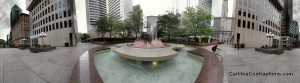
Place Ville Marie Panorama
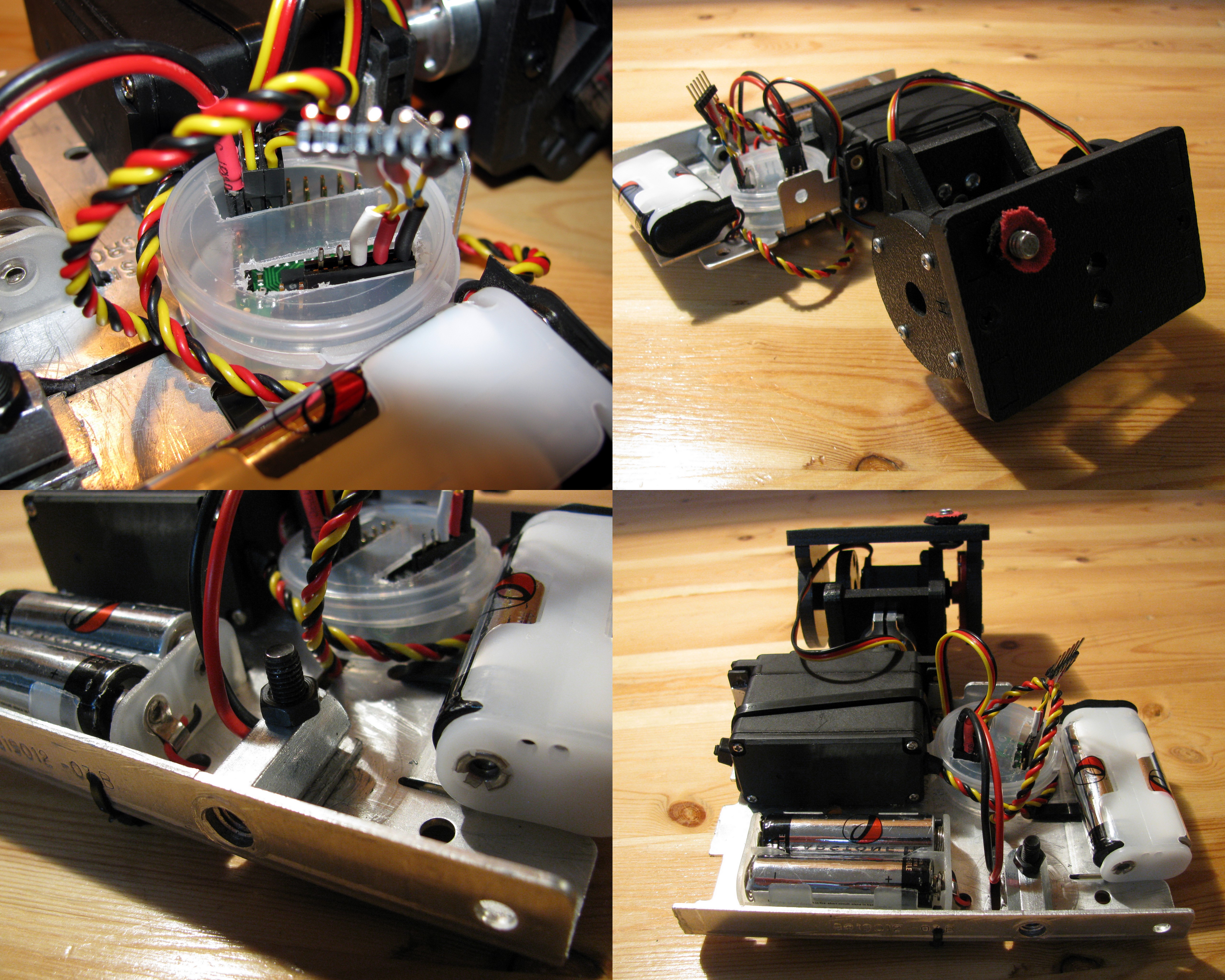
Panoramic Camera Mount
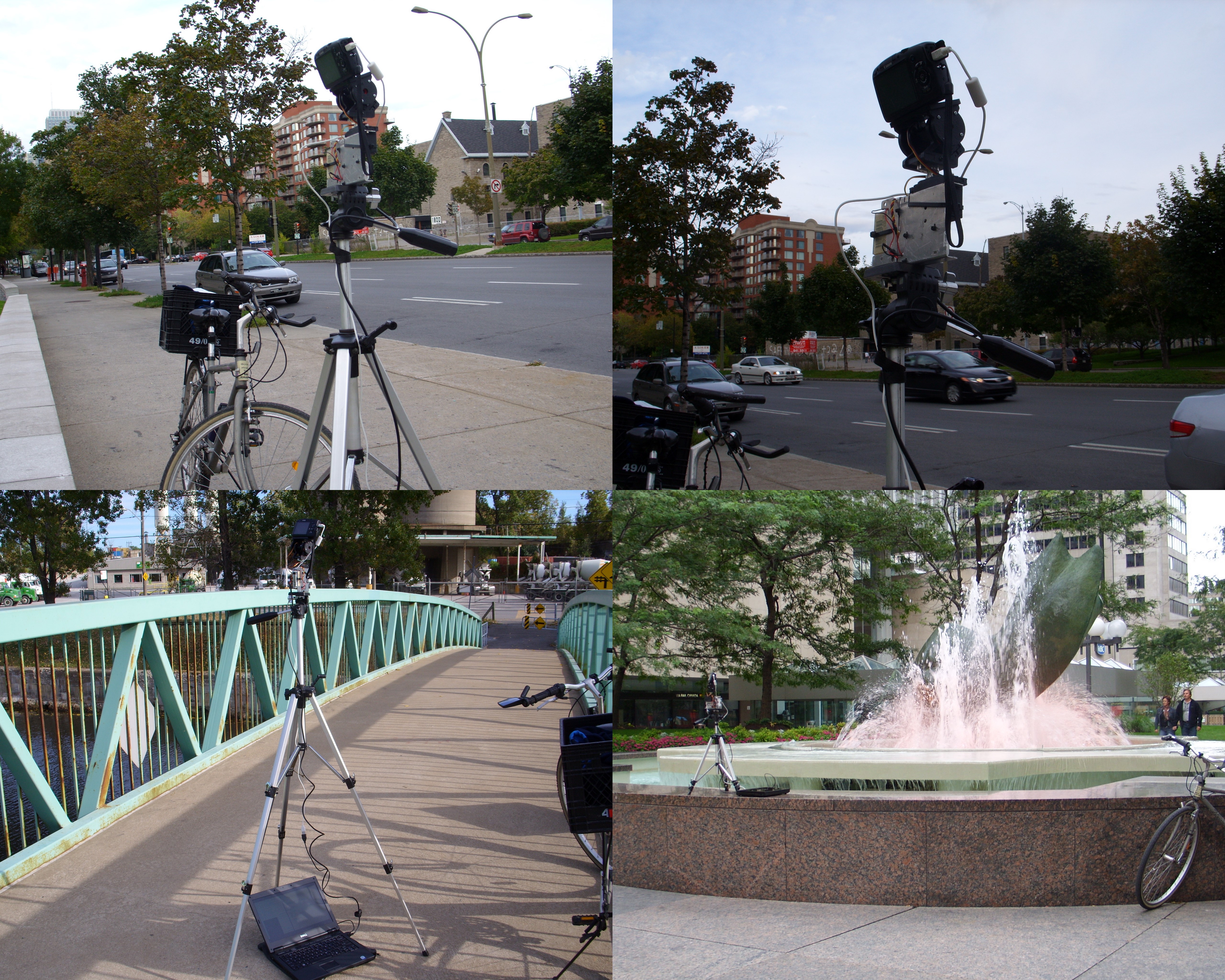
Panoramic camera in action
RobotShop.com
The Axion is a paint mixing device composed of five paint containers, a paint flow control system and a paint blending apparatus. The whole system is controlled by a PC. As you select a colour from a user-defined colour palette in the Coloraxion software, the machine dispenses the appropriate amounts of different colour paints in order to produce the desired blend.
The machine is rather ingenious and is going to make its debut in the professional decorative painting realm very soon (I’ll keep you posted on that).
My Involvement
I was involved in the mechanical and electrical design of the first manufacturing prototype. I was lucky enough to learn SolidWorks and draw the entire machine (up to the very last detail). The resulting 3D model was then used to build the actual prototype and to produce some multimedia material. Needless to say that I was very happy to participate in the construction.
Panaxion is a start-up company and is soon going to manufacture Axions. Their website is under heavy construction at the moment but it should become stable (and beautiful) soon. If you are interested in decorative painting (in the non effeminate sense), I suggest you keep an eye on this project.
I have finally completed my second project sponsored by RobotShop. I apologize for the immense delay, I really missed my promise of rolling out a new project every two weeks. Let’s just say that I had a lot going on lately and I could barely keep up with my obligations, let alone blogging or building new projects.
Place Ville-Marie Panorama
This time, I built a panoramic camera. My main objective was to have a platform that can be used with pretty much any camera and that can produce panoramas with a minimum of work. If there is enough interest from the public and if this prototype is well received by the DIY community, I’m planning to produce (and hopefully sell) kits that would include all the parts to build this device.
Materials
Hitec HS-785HB Winch Servo Motor
ServoCity SPT200 Direct Drive Pan & Tilt System
Pololu Micro Serial 8 Servo Controller
Hitec HS-425BB Servo Motor
A digital camera
Small plastic container
Battery holders
(Rechargeable) Batteries
A piece of aluminum (I used an old heat sink)
A long nut (of the same size as a tripod screw)
A screw (that fits into the tripod attachment on the camera)
A tripod
Cable ties
A small piece of neoprene (or any other mushy substance)
A USB to Serial cable
Some female headers and wires
Putting It Together
Panoramic Camera Mount
The first step was to put together the ServoCity Pan and Tilt system. This took away much of the building work since it is really simple to put together in no time at all. Nevertheless, I applied some modifications to it: I discarded the bottom plate that should be attached to the panning servo (since I am using a larger winch servo that would not fit otherwise), and I drilled a hole on the top plate in order to be able to fasten the camera to the rig. Note that I also included a little piece of neoprene that was lying around in order to prevent the bottom of my camera from getting scratched.
The mounting hole for the camera must be placed so that the lens’ pupil is at the centre of rotation. This way, the horizontal rotation axis will be close to the no-parallax-error point (or whatever it is called) of the camera and will minimize the parallax errors.
Then, I used an old heat sink as the main structure since it is sturdy and basically free. I used the trusty Dremel to adapt it and cut the proper holes and slots in order to mount all the remaining pieces. The pieces to be mounted on the aluminum plate are the battery holders, the Pololu servo controller, and the winch servo motor. (or whatever it is called
I encapsulated the Pololu servo controller in a small plastic container I got from for free while on a trip with my girlfriend to the beauty/ soap/cream shop. I also used two 2-AA battery holders in order to provide power for the servo motors. I used 29000 mAh NiMH rechargeable batteries that gave me several hours of autonomy. In order to connect the battery holders to the controller, I soldered a two-position female header and insulated the leads with heat-shrink tubing.
I used almost exclusively cable ties to tie everything on the aluminum plate except for the winch servo motor that I screwed in and the long nut that was also screwed in place (after being drilled sideways). I also had to drill the bottom aluminum face in order to allow for the tripod screw to be inserted into the nut.
Operating it
Panoramic camera in action
This first prototype requires a laptop to be operated, which can be a little annoying. I plan to use my EeePC in the immediate future and an embedded computer for an eventual commercial kit. It basically works as follows:
The camera is set on the panoramic mount, which is fastened to the tripod.
The servo controller and the camera are connected to the computer trough their respective USB cables.
The controlling program is run.
The user waits in awe while the camera takes pictures by itself.
In order to control the hardware, I use a python script that uses my Pololu library and gPhoto in order to operate the servos and the camera respectively. I chose gPhoto since it supports a very wide range of cameras and it is very easy to use.
For now, taking a full 360 panorama takes about 15 minutes. This is a very long time and is mostly due to the fact that my script was hastily put together without care about the performance and in very little time. I will, very soon, post a cleaner version of the code, as well as all the panoramas I took properly processes and in full format, similarly to what I did with my San Francisco panoramas.
Acknowledgements
RobotShop.com
I would like to thank the great people at RobotShop for providing the Pololu Micro Serial Servo Controller, the ServoCity SPT200 Direct Drive Pan & Tilt System, and the Hitec HS-785HB Winch Servo Motor. This is the second (and hopefully not the last) project they sponsor here at Carlitos’ Contraptions. Without their help, I would have never been able to afford any of the materials (except for those that come straight from the garbage as usual).
They have also being very patient and understanding about my unexpected delay in rolling out this project.
A regular Canadian quarter.
In my trip to San Francisco, unhealthy I had the chance to see many beautiful things. And I wanted to be able to remember them and show them to my friends and family.
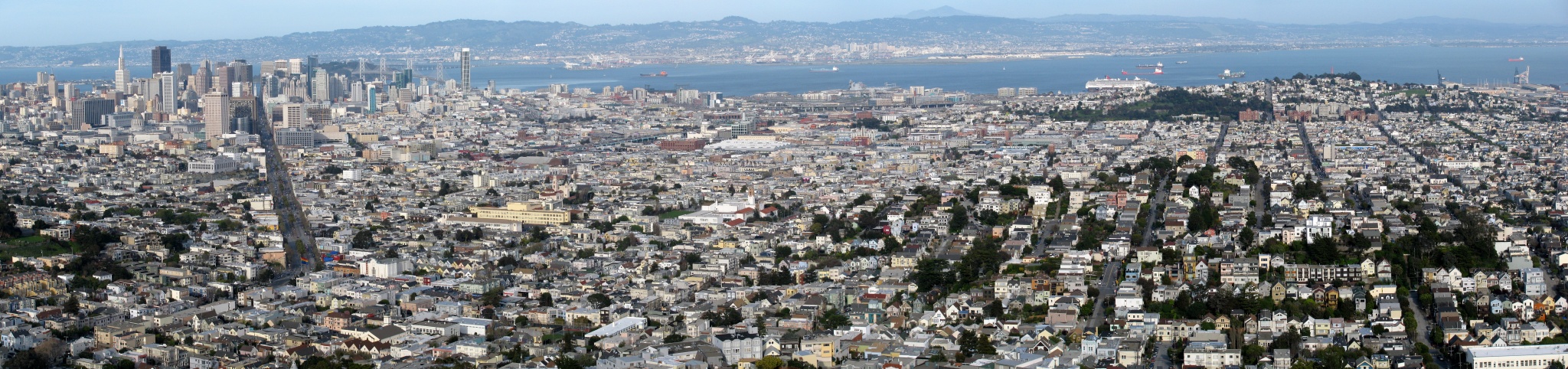
San Francisco Seen Form Twin Peaks Park
Besides taking simple photos, sometimes you need a wider view- angle to really capture the scenery. The obvious solution to this is making a panorama. This means you take many pictures of different sections of your subject and then align them and stitch them together so to form a bigger picture.
Many people believe this is a very difficult procedure and that the results are never as good as expected, and they are partially correct. In order to get a nice looking panoramic picture hat will align and stitch together correctly you need to follow some rules:
Make sure that contiguous pictures have a good 30% overlap between them.
Make sure the overlapping areas contains some hard object, like a building. If they overlap only over the sky or some water, then the stitching together will be more difficult.
Make sure you follow a simple pattern when shooting the photos. Follow a horizontal line, for instance, and shoot the pictures in order. Also, if your making a taller panorama, I suggest you shoot many horizontal lines that will stack up together. This will make things easier when recognizing which photos to stitch together.
Make sure all the pictures have a similar exposure. This should be no problem if you are shooting your pictures all at once.
Make sure your subject is always on the same focal plane. You can have many focal panes but it will make the stitching more difficult.
Once you have shot all the pictures you can start the stitching. In order to so so, you can use an excellent software package called Hugin. Of course since I’m using it, Hugin is open source and (thus) cross-platform. Is is a very intuitive program to use and since there are many good tutorials about it, I won’t be outlining the instructions on how to use it.
Once you stitched your images together (which can be done in the three steps the wizards takes you trough) you will end up with a big TIFF or JPG file. Now you are basically done. Now you just need to crop it and made any desired adjustments with a picture editing program lie Gimp.
The only problem is that if you want to share this picture it can be hard since it may be too big for sending by email and will take a long time to (upload and) download if you put it on a website.
Now you can use the Google Maps Image Cutter. This little Java program developed by UCL enables you to use the Google Maps engine as a picture viewing system. It creates many copies of your image at various resolutions and chops those images into small square pieces. Then when you view the image trough the google maps engine, you are only loading the small squares at which you are currently looking at the resolution corresponding to your zoom level.
Here you can enjoy a few examples I made (click on the title to view them in full screen).
Keep in mind that Hugin is very powerful and can do much more than simply stitching a few images together. Also, there might be a few issues with the file writing routine when trying to run the Google Maps Image Cutter in Linux.